Web application
reader comes with a web application based on Flask, Bootstrap, and htmx, intended to work across all browsers, including mobile and light-weight / text-only ones.
Features, as of reader version 3.27:
add / list / filter / delete feeds
list / filter articles
mark articles as read / (un)important
article view
custom feed titles
dark mode
feed autodiscovery
full data export
More features already implemented in the library and the legacy web app should be added in the next releases; see the roadmap for details.
Screenshots
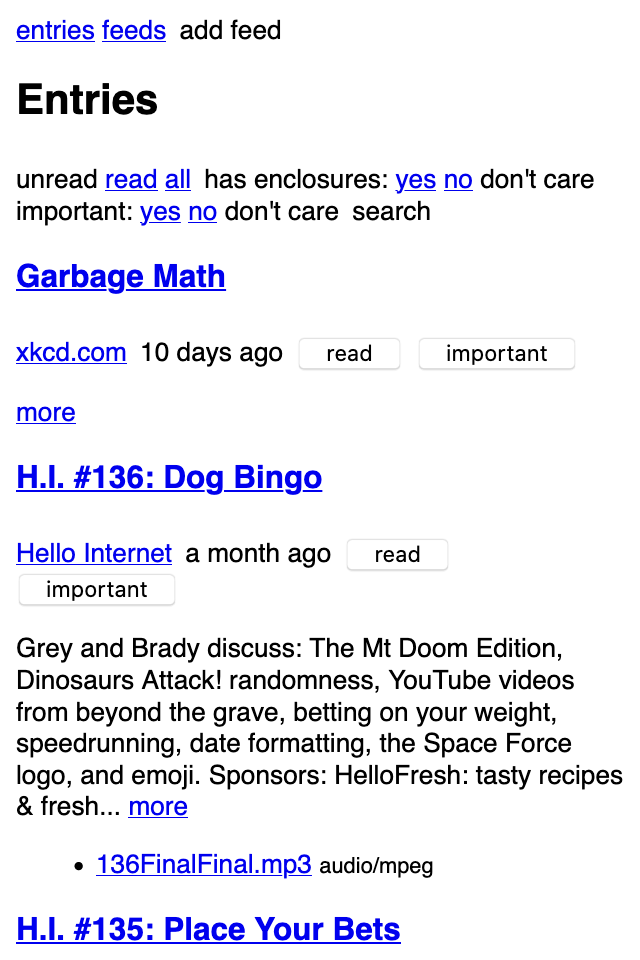
main page (dark mode)

main page – more filters (light mode)

feed page (dark mode)
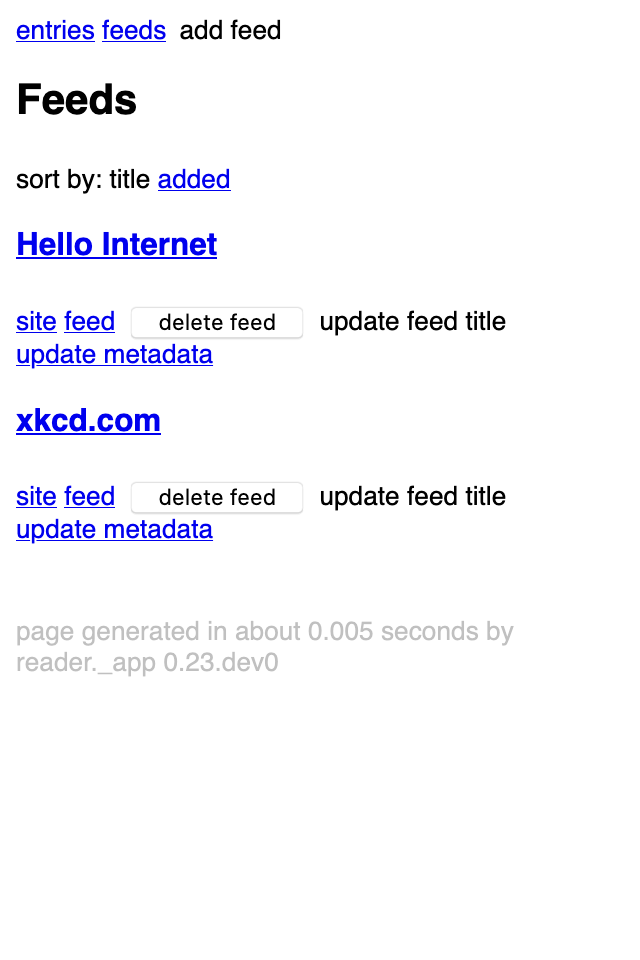
feeds page (dark mode)

article view (dark mode)

article view (light mode)

import feeds (select)

import feeds (result)
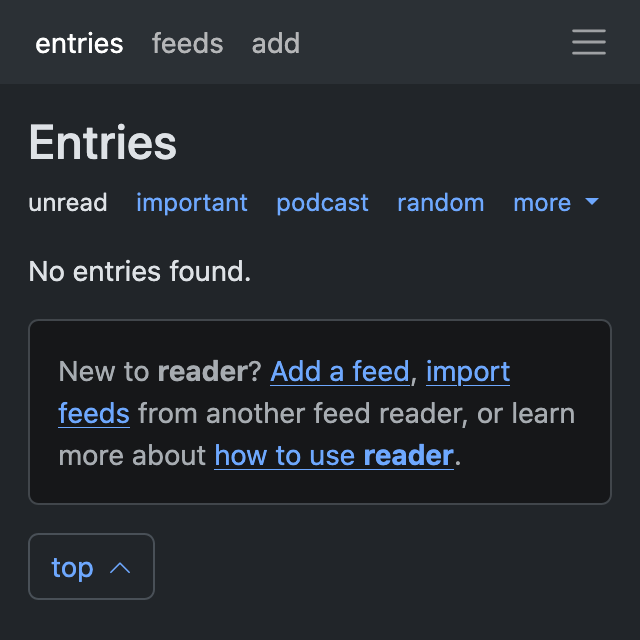
new user / empty state
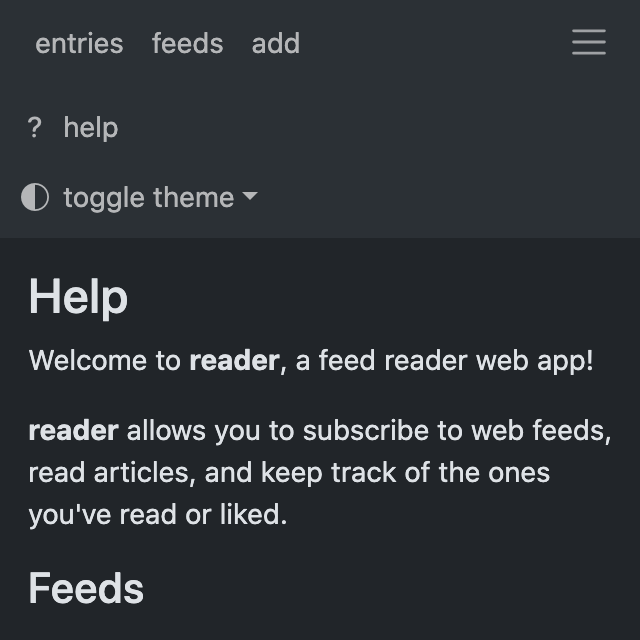
contextual help
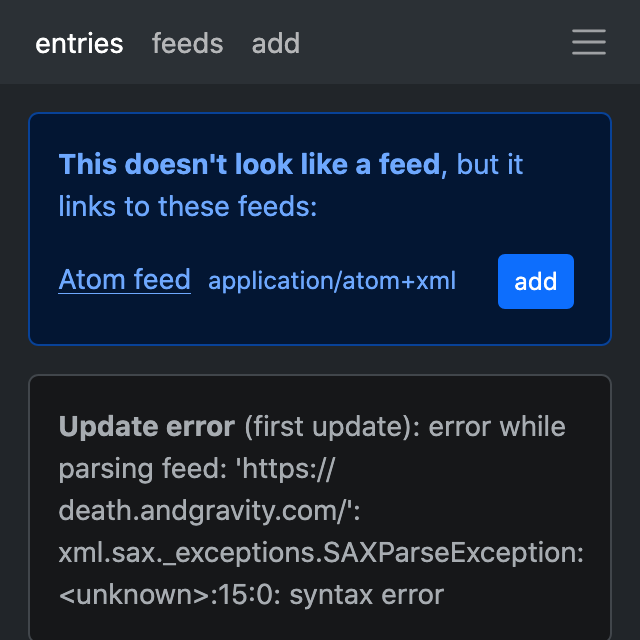
feed autodiscovery
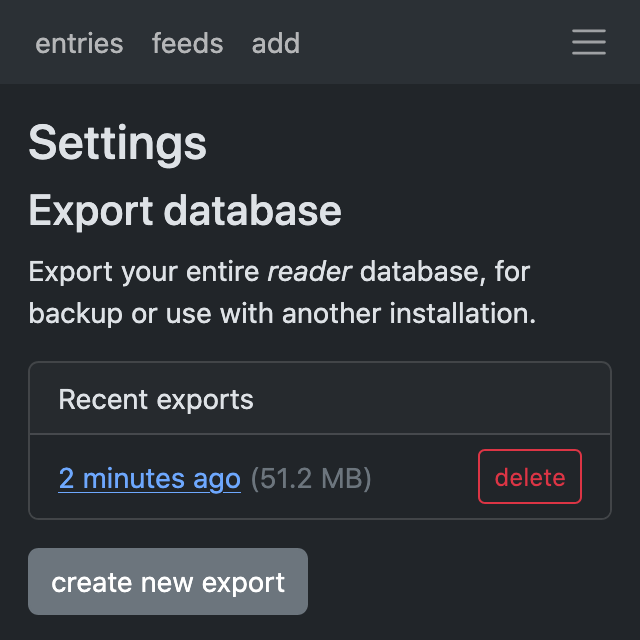
database exports
Serving the web app
Note
The web application is optional, use the app extra to install
its dependencies.
reader exposes a standard WSGI application as reader._app.wsgi:app.
See the Flask documentation for more details on how to deploy it.
The path to the reader database can be configured through the
config file
or the READER_DB environment variable.
Warning
The web application has no authentication / authorization whatsoever; it is expected a server / middleware will provide that.
An example uWSGI configuration file (probably not idiomatic, from here):
[uwsgi]
socket = /apps/reader/uwsgi/sock
manage-script-name = true
mount = /reader=reader._app.wsgi:app
plugin = python3
virtualenv = /apps/reader/
env = READER_CONFIG=/apps/reader/reader.toml
You can also run the web application with the web command.
web uses Werkzeug’s development server,
so it probably won’t scale well past a single user.
Note
For privacy reasons,
you may want to configure your web server to not send a Referer header
(by setting Referrer-Policy header to same-origin
for all responses; nginx example).
The web command does it by default.
If running on a personal computer, you can use cron to run it at boot:
@reboot sleep 60; reader web -p 8080 2>&1 ) >>"/tmp/$LOGNAME.reader.web.run.boot.log"
Legacy web app
Before the current web application, there was another one, serving as test bed for new features. It is usable, if a bit unpolished, but was never meant to be a long-term thing, hence the new app; you can find screenshots here.
The WSGI entry point is reader._app.legacy.wsgi:app.
The legacy web app should remain available until the new app reaches feature parity.