Web application
reader comes with a web application based on Flask, Bootstrap, and htmx, intended to work across all browsers, including mobile and light-weight / text-only ones.
Features, as of reader version 3.24:
add / list / filter / delete feeds
list / filter articles
mark articles as read / (un)important
article view
custom feed titles
dark mode
More features already implemented in the library and the legacy web app should be added in the next releases; see the roadmap for details.
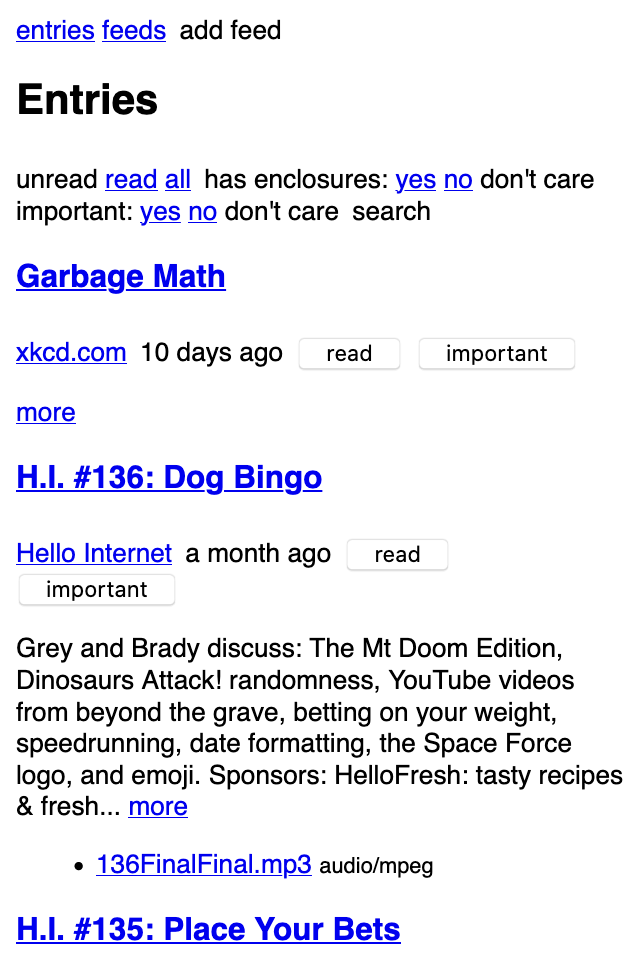
Screenshots
main page (dark mode)
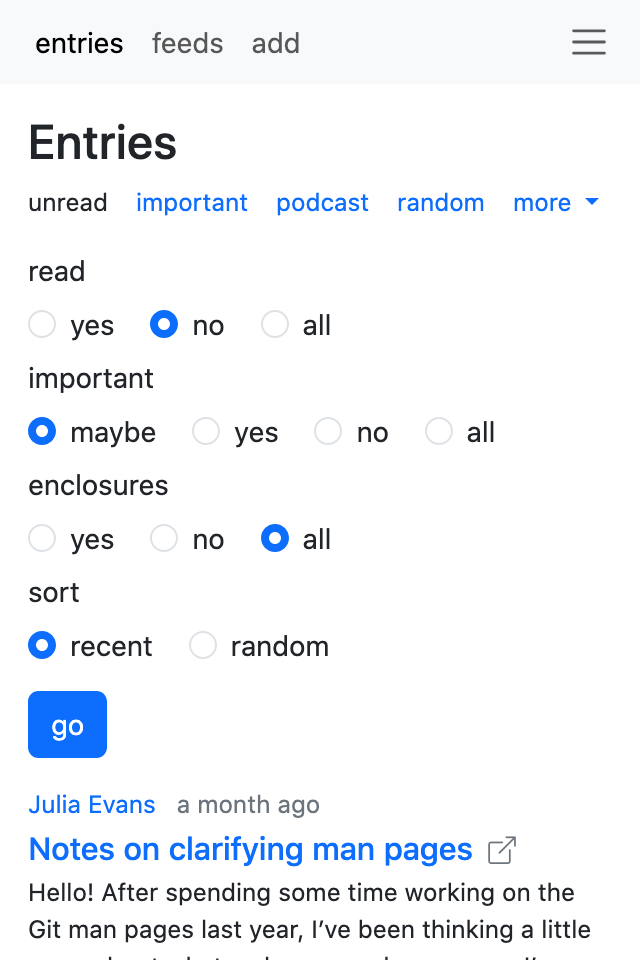
main page – more filters (light mode)
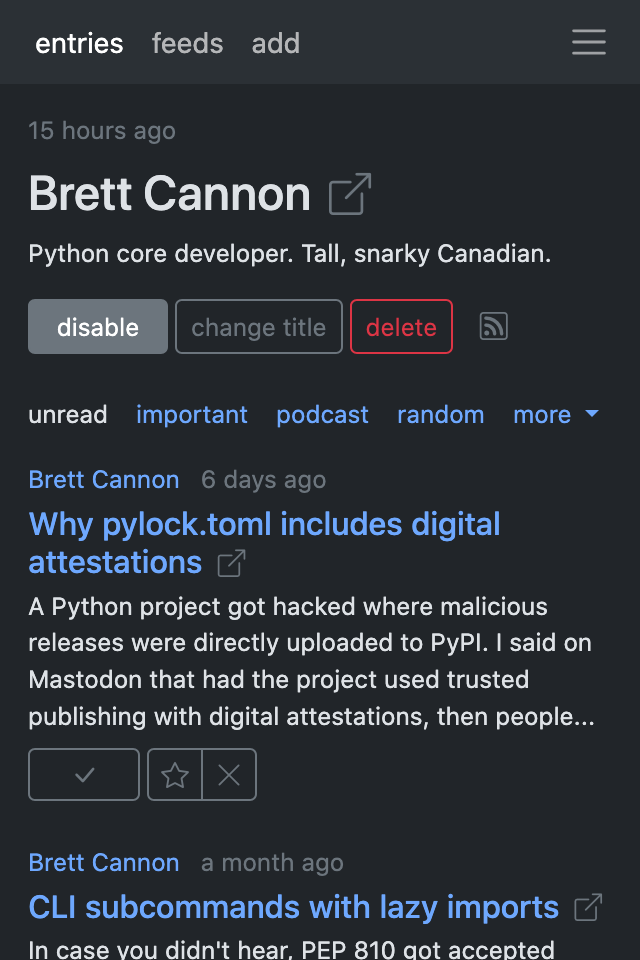
feed page (dark mode)
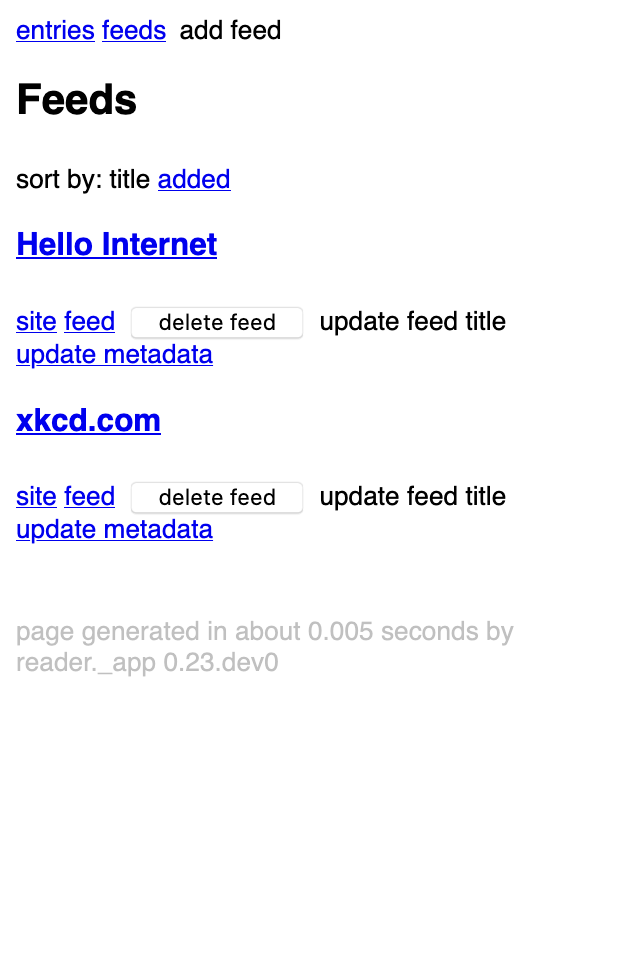
feeds page (dark mode)
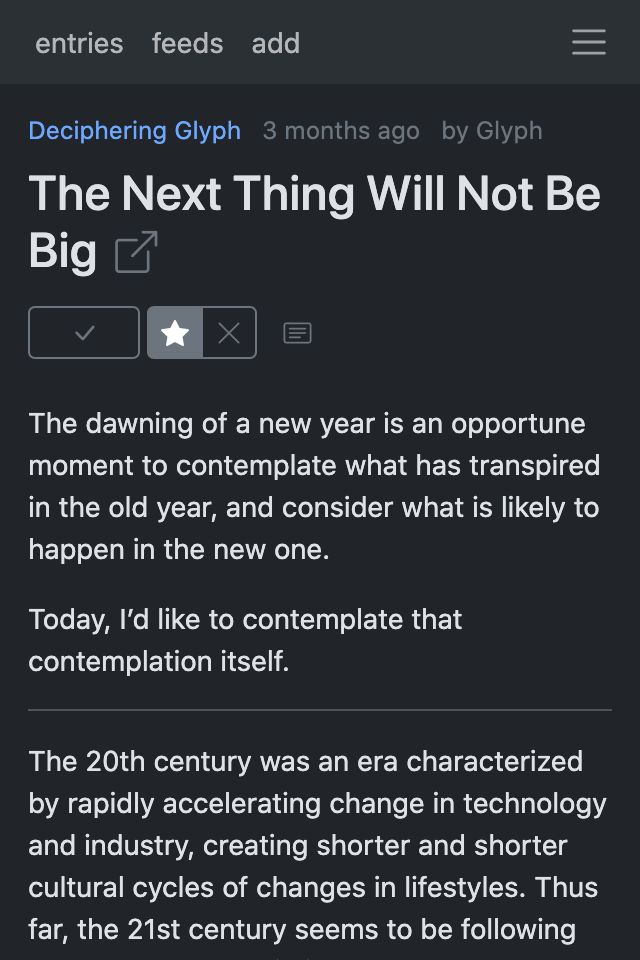
article view (dark mode)
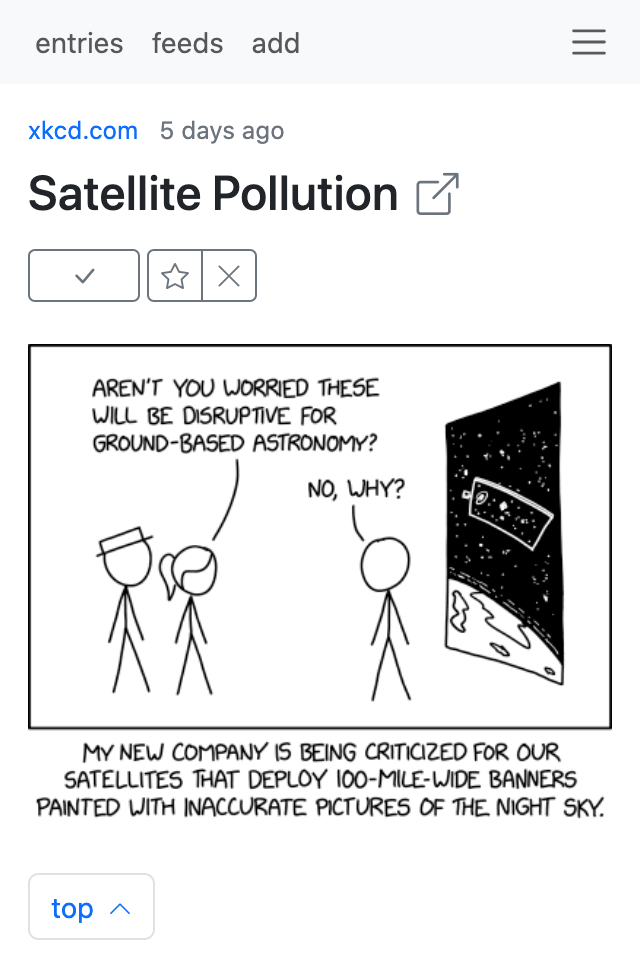
article view (light mode)
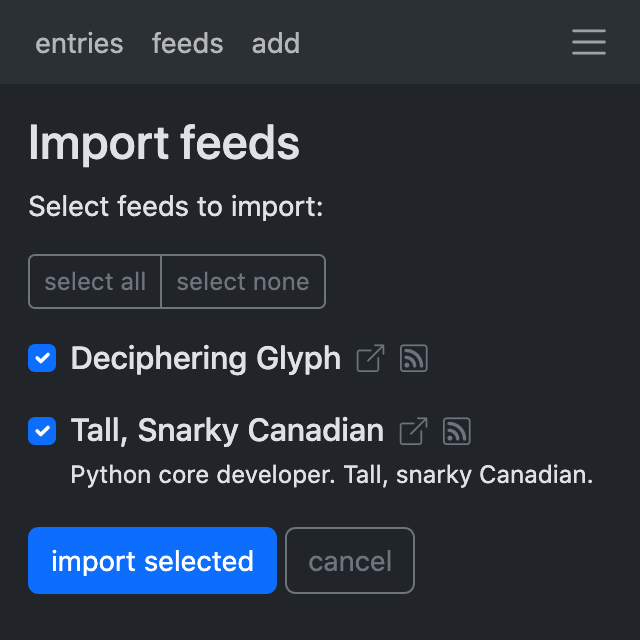
import feeds (select)
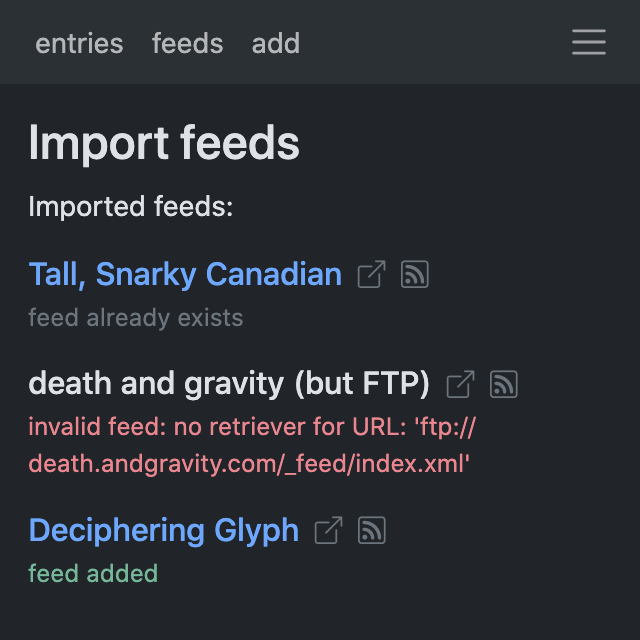
import feeds (result)
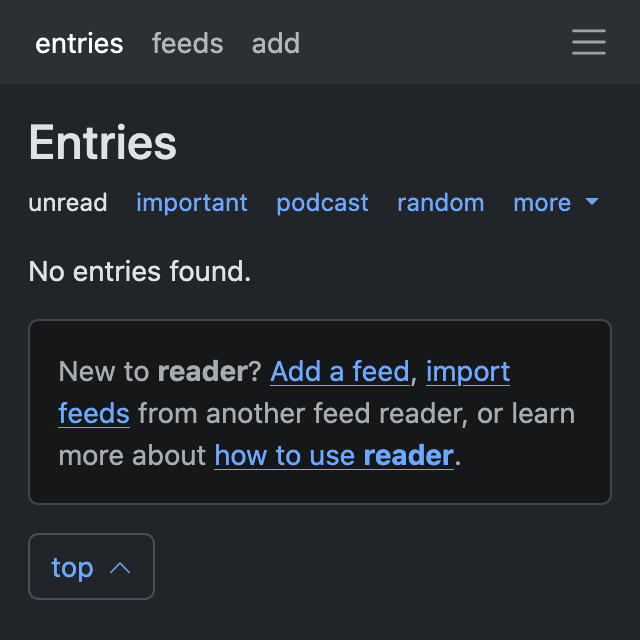
new user / empty state
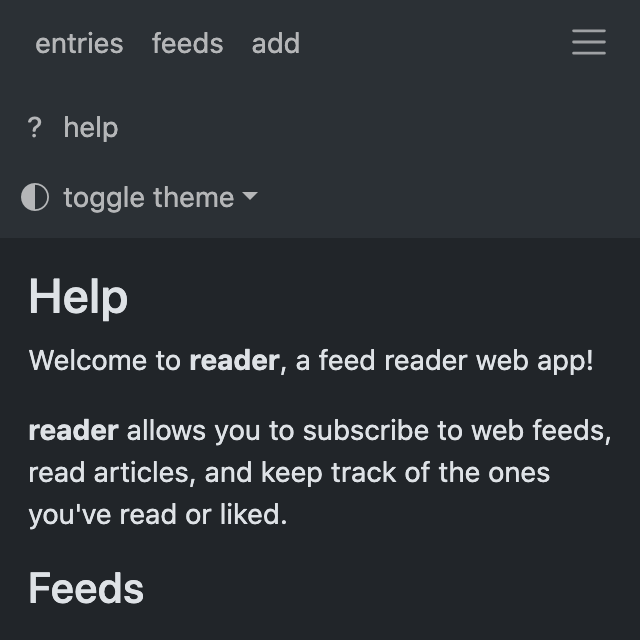
contextual help
Serving the web app
Note
The web application is optional, use the app extra to install
its dependencies.
reader exposes a standard WSGI application as reader._app.wsgi:app.
See the Flask documentation for more details on how to deploy it.
The path to the reader database can be configured through the
config file
or the READER_DB environment variable.
Warning
The web application has no authentication / authorization whatsoever; it is expected a server / middleware will provide that.
An example uWSGI configuration file (probably not idiomatic, from here):
[uwsgi]
socket = /apps/reader/uwsgi/sock
manage-script-name = true
mount = /reader=reader._app.wsgi:app
plugin = python3
virtualenv = /apps/reader/
env = READER_CONFIG=/apps/reader/reader.toml
You can also run the web application with the web command.
web uses Werkzeug’s development server,
so it probably won’t scale well past a single user.
Note
For privacy reasons,
you may want to configure your web server to not send a Referer header
(by setting Referrer-Policy header to same-origin
for all responses; nginx example).
The web command does it by default.
If running on a personal computer, you can use cron to run it at boot:
@reboot sleep 60; reader web -p 8080 2>&1 ) >>"/tmp/$LOGNAME.reader.web.run.boot.log"
Legacy web app
Before the current web application, there was another one, serving as test bed for new features. It is usable, if a bit unpolished, but was never meant to be a long-term thing, hence the new app; you can find screenshots here.
The WSGI entry point is reader._app.legacy.wsgi:app.
The legacy web app should remain available until the new app reaches feature parity.